Turn site, shift, parking and postcode data into a single commute baseline to test shuttles, carpooling and Scope 3 needs.

If you want to decide on shuttles, public transport support, carpooling, or shift changes, start with one thing: a clear commute baseline. A workplace mobility audit does that by turning site data, parking data, shift times, and home postcode data into one model you can use before spending money.
In plain terms, this audit helps me answer four questions fast:
You do not need a long employee survey to get started. In many cases, a small input set is enough:
That matters because commute patterns often differ a lot by group. For example, office staff and plant staff may arrive at very different times, which changes parking pressure, shuttle demand, and public transport fit. So keep the scope tight: site, employee group, shift, mode, and access rules.
A short audit usually moves through four steps:
Here’s the main idea: Use one shared model for mobility, finance, site management, and emissions reporting. That means fewer spreadsheet debates and a clearer path to approval.
| Step | What to check | Main output |
|---|---|---|
| Scope | Sites, groups, shifts, modes | Audit boundary |
| Data | PLZ, site, parking, access, shift data | Input set |
| Baseline | Current commute flows | Site-level commute picture |
| Scenarios | Shuttle, ÖPNV, carpooling, schedule changes | Cost, uptake, emissions view |
Bottom line: if you want to know which commute measure should get budget first, a workplace mobility audit gives you the numbers needed in one place.
Set the scope based on the decisions you need to make. Focus on the sites, employee groups, shifts, commute modes, and access conditions that shape the audit model.
A tight scope keeps the model pointed at measures you may actually fund. It also stops the audit from drifting into every odd exception or fringe case. That line matters because it tells you exactly what data you need next.
Start with the sites that drive the decision. Include all locations that affect commute patterns, such as production plants and administrative sites.
It also helps to split employees into clear groups. Production staff, office staff, and contractors often travel in different ways and at different times. Shift patterns can change arrival and departure windows, which can change parking demand, shuttle use, and public transport fit.
Define the modes and access conditions that affect the model. That can include car, shuttle, public transport, parking, gate access, and shift-start windows.
Once the scope is fixed, you can collect only the data needed to model those sites, groups, and modes. That keeps the work lean and tied to the choices in front of you.
Once the scope is set, gather only the data you need to model those sites, groups, and travel modes. You don't need a full employee survey to build a solid commute model. Triply can model commuting patterns from a small set of inputs.
Start with the basics: employee counts, site address, and shift start and end times. You should also collect details on parking, bike facilities, access roads, and any known congestion or access constraints.
Once the site and access data are in place, the next key input is the home postcode distribution.
The most useful commute input is the home postcode distribution (PLZ, postal code distribution) of your workforce. When you combine that with shift patterns and site addresses, triply can model origin-to-site commute patterns without a full employee form. Set up the data so it maps cleanly to Scope 3 Category 7 reporting.
To keep the audit lean, use the minimum inputs below.
| Data layer | Minimum input |
|---|---|
| Organisation | Employee count per site |
| Location | Site address, shift start and end times |
| Parking and infrastructure | Parking setup, bike facilities, access roads, known congestion or access constraints |
| Commute | Home postcode distribution (PLZ) |
Use this minimum dataset for both internal decisions and Scope 3 Category 7 reporting.
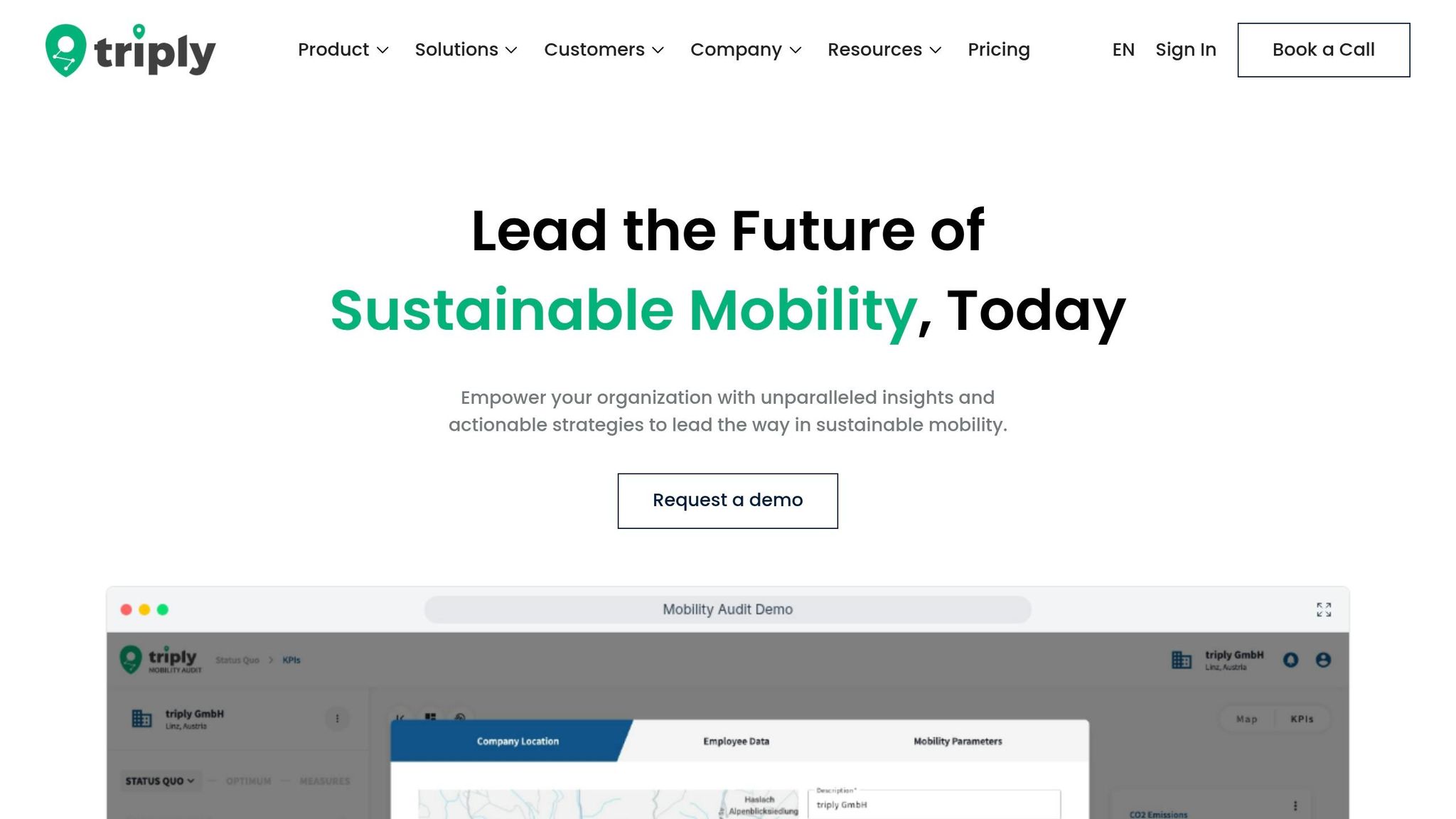
Once your scope and data are set, the next step is simple: bring everything into one working model.
With your minimum dataset in place, triply pulls commute data from all in-scope sites into a single baseline. It maps commute flows from home postcode to site, using shift times and site addresses. That means you get one shared commute picture across all sites, not separate views that are hard to compare.
Why does that matter? Because every measure is then tested against the same baseline. Mobility, finance, sustainability, and operations leads all work from the same set of numbers instead of debating whose spreadsheet is right.
From that baseline, you can test measures one at a time before putting money behind them.
Use triply to model different scenarios and compare them side by side. For each one, it shows projected cost per boarded rider where that applies, expected uptake, and emissions impact. So instead of guessing, you can see what each option is likely to do.
That makes it easier to compare measures such as:
For a closer look at how shuttle scenarios work in practice, see employee shuttle optimisation with triply.
After testing, you can use that same model to brief leadership and support reporting.
The commute model used for your simulations also produces Scope 3 Category 7 outputs ready for audit review. Every assumption is documented, so your team can trace how the emissions result was calculated. That's a big deal when someone asks, “Where did this number come from?”
When you bring a mobility measure to leadership for approval, you're not presenting a rough idea. You're showing a modelled scenario with documented inputs, projected cost, and emissions impact. That usually makes the internal approval process much easier.
Once you have the baseline and scenario options, turn them into a short audit timeline. In most cases, the work moves through four stages: data collection, baseline modelling, scenario simulation, and results sign-off.
The HYPO audit, for example, was finished in under a week because the scope and input data were ready from day one. When projects slip, it’s usually not because the modelling takes too long. The holdup tends to come from confirming scope, gathering site and shift data, and agreeing on assumptions.
So if you want a shorter timeline, the main lever is simple: get the data and decisions lined up early.
Your deliverables should make the decision path easy to follow. By the end of the audit, you should have a clear baseline, site-level findings, and a plan for what happens next.
At a minimum, the final pack should include:
The outputs should also show which measures deserve funding first, explain the thinking behind each recommendation, and record the assumptions used in reporting. That way, the audit doesn’t just describe the current state. It helps people make a call.
If you want to see how a workplace mobility audit would work for your sites, book a triply demo.
A mobility audit can still be useful even without an employee survey. But the picture is usually less precise.
Why? Because the audit has to lean much more on operational data and location data. That can show a lot, such as where sites are based, how teams are distributed, or which travel routes are likely. Still, it may miss part of the story.
Some commuting patterns and employee preferences simply don't show up in raw data. For example, data might suggest that public transport is available, but it won't always show whether staff avoid it because of long transfer times, shift schedules, or family routines.
Treat home postcode data with care and only collect what you need for the workplace mobility audit. The goal is simple: understand travel patterns without exposing personal details.
Where you can, use aggregated or anonymised postcode data. That gives you a useful view of commuting patterns while lowering privacy risks. It also helps to keep the related documentation clear, so anyone reviewing the process can see what was collected, why it was needed, and how it was handled.
Start with the sites where a mobility audit is most likely to shape near-term decisions. Put the focus on locations with the biggest commute-related questions, the strongest impact on day-to-day operations, or the clearest gap in your data.
If you're unsure where to begin, pick the site where you can get the needed data fastest. Then use what you learn there to steer the next audits. This is general information, not legal or tax advice.